Design every product
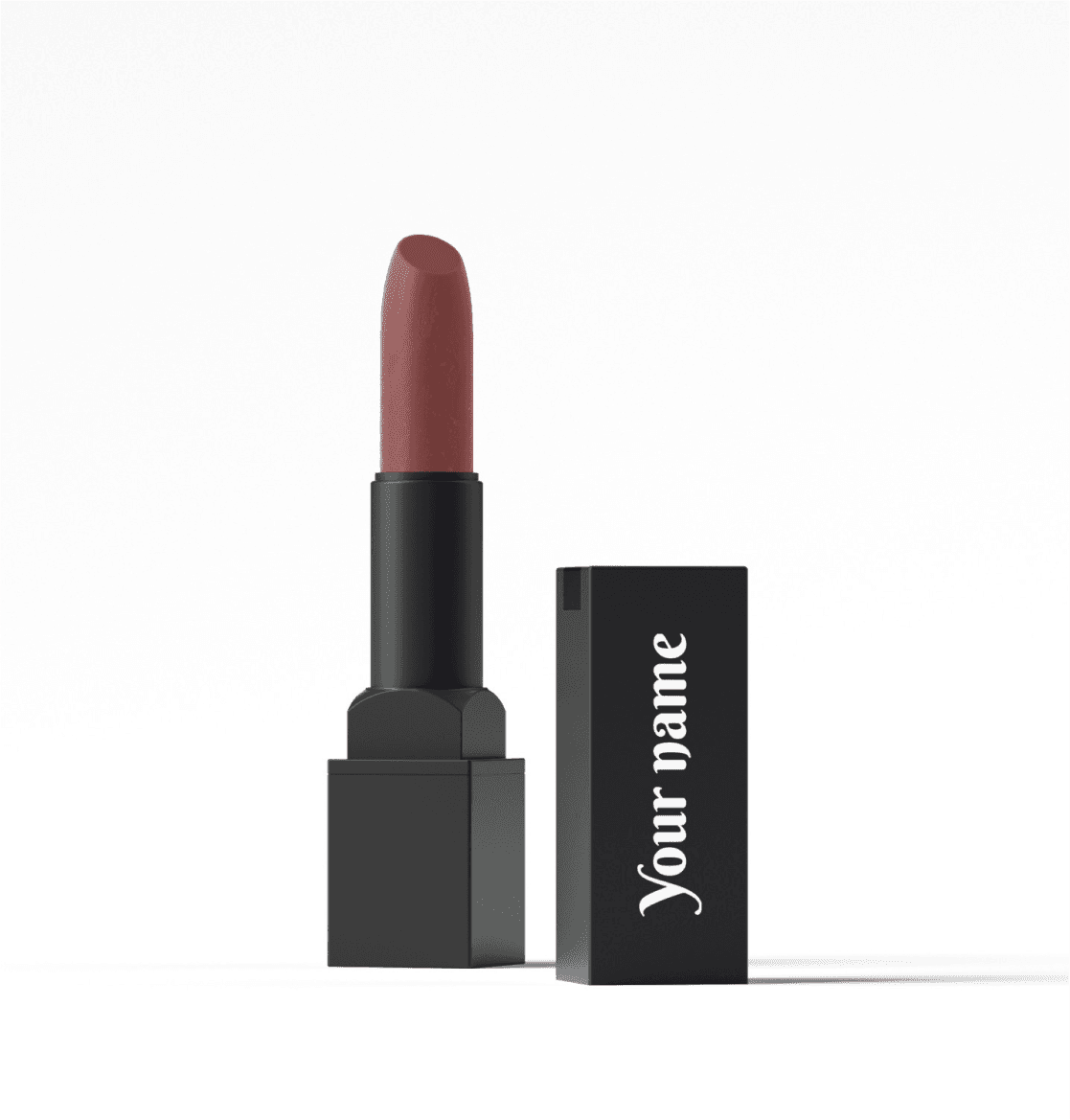
Give every product its own design. There are no setup costs or brand plate fees.
Design shipping boxes
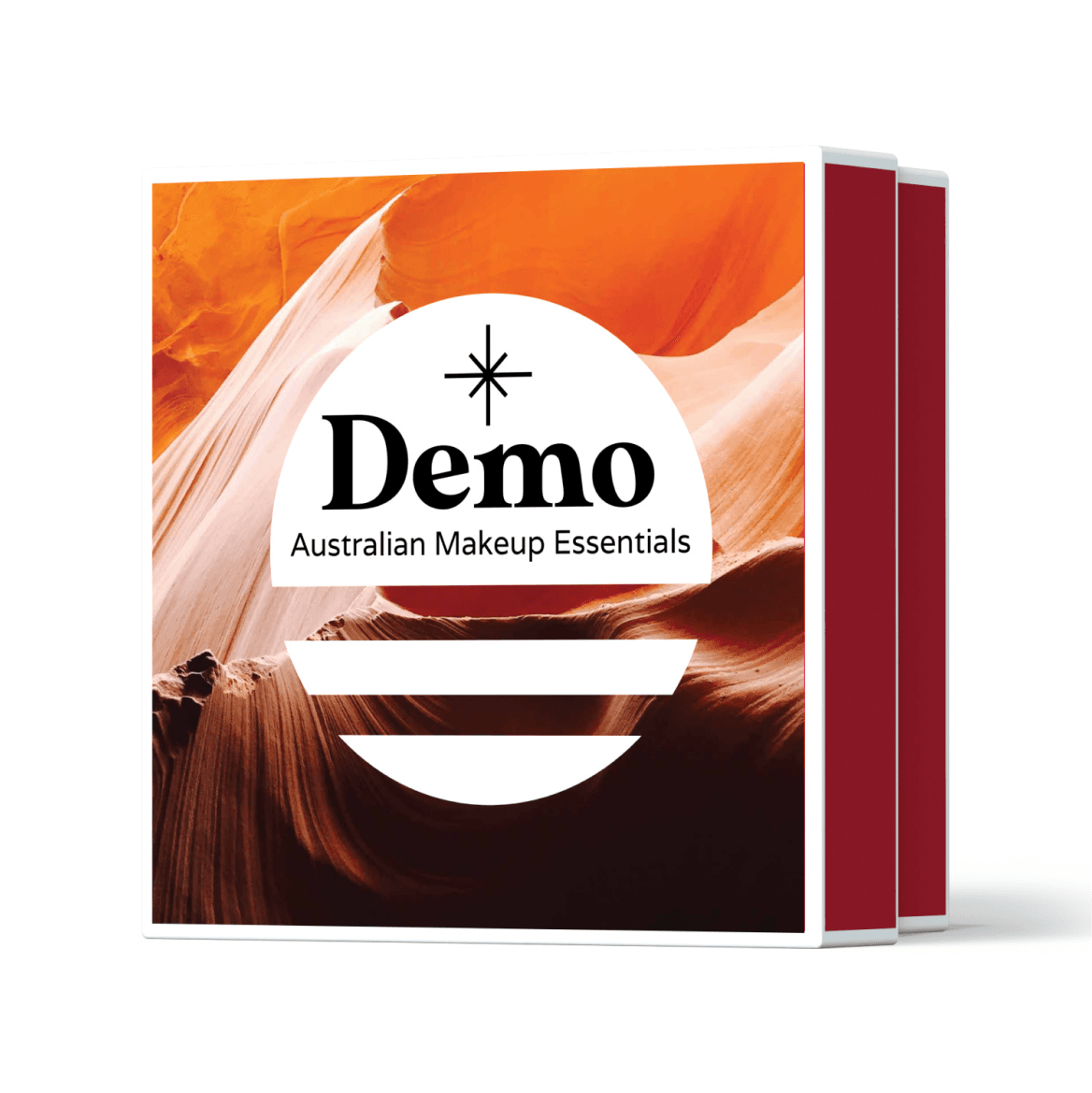
Build your own beauty shipping boxes that hold products in their colorful packaging.
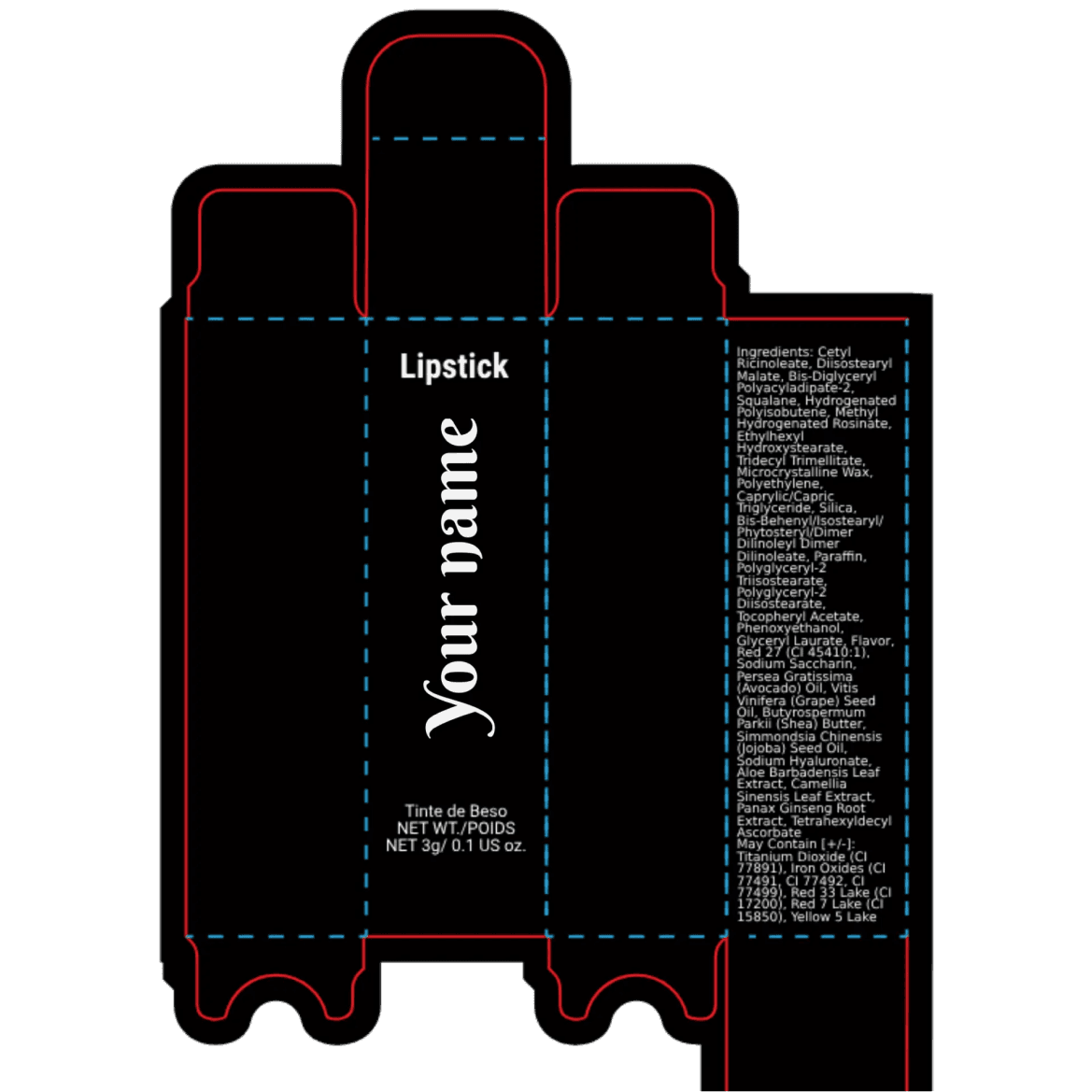
Design paper boxes
Brands that sell in stores can ask us to add extra labels to shipping boxes.
Create an artboard in Canva that matches the product size. For a logo, use 3000px by 3000px. When you are done, save the design as a transparent PNG.
Create a frame in Figma that matches the product size. For a logo, use 3000px by 3000px. When you are done, save the design as a transparent PNG.
Create the design in Adobe Illustrator, not Photoshop. For a logo, use 3000px by 3000px. When you are done, save the design as a transparent PNG.
PNG or JPEG, at least 750px on one side, up to 2MB. A transparent PNG is strongly recommended so your logo sits cleanly on the container instead of inside a white rectangle.
Everything inside the crop box is printed on the product. Empty space in the box stays empty. Crop close to your artwork so it prints as large as possible. We need at least 750px on one side for a sharp print.
We ask that you upload a logo larger than 2000px by 2000px. The larger the logo, the sharper your print quality will be.